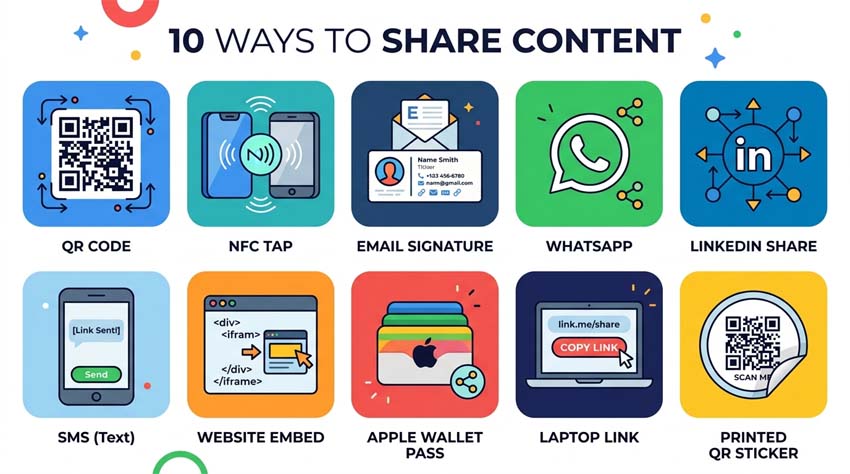
You've created your digital business card with AAClick Click Card. Now – how do you share it effectively? Here are 10 powerful ways.
1. QR Code on Your Phone Lock Screen
Save your Click Card QR code as a widget or wallpaper. People scan it directly from your phone.
2. NFC Tag or Sticker
Tap an NFC sticker on your laptop or badge – instant VCard transfer.
3. Email Signature
Add your digital card link below every email you send.
4. WhatsApp / Telegram Status
Pin your Click Card link to your bio or status for one‑tap sharing.
5. LinkedIn “Contact Info”
Add your digital card URL to your LinkedIn profile's contact section.
6. Zoom / Google Meet Chat
Paste your link during business calls. Everyone saves your details immediately.
7. Website or Portfolio
Embed a “Save my contact” button on your personal or company site.
8. Social Media Bios
Instagram, Twitter/X, TikTok – put your Click Card link in your bio.
9. Printed Flyers or Posters
Print your QR code on brochures, banners, or even traditional paper cards as a backup.
10. Apple Wallet / Google Wallet
Some digital cards can be saved to mobile wallets for quick access.
Pro Tip:
Use Click Card analytics to see which sharing method drives the most contact saves.