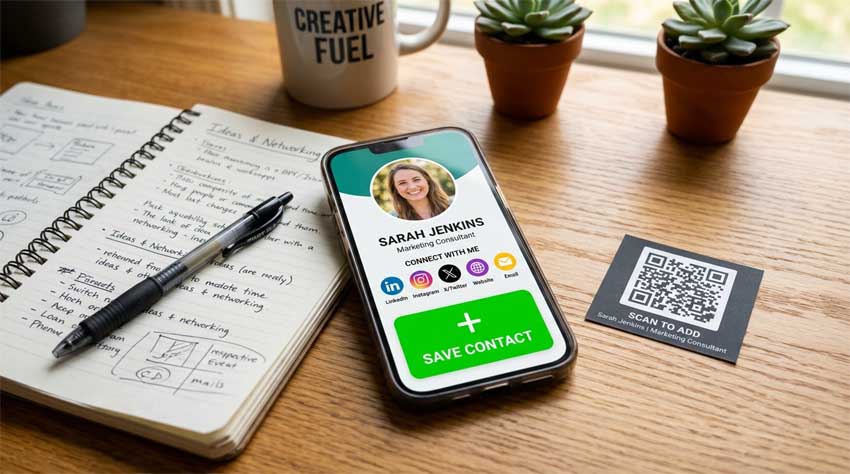
You've created your digital business card with AAClick Click Card. But is it optimized to get saved? Here's how to design a VCard that recipients actually add to their address book – every single time.
1. Use a professional photo
Cards without a face feel anonymous. Add a high-resolution headshot. It builds trust and helps people remember you.
2. Keep it complete but not cluttered
Include: full name, title, company, phone, email, website, and one social link (LinkedIn is best). Avoid adding your home address or personal email unless necessary.
3. Add a clear call-to-action
Tell people what to do. Example: “Scan this QR code and tap ‘Save contact’.” Direct instructions increase saves by 40%.
4. Embed value
Use Click Card’s multimedia feature. Add a 30-second intro video, a PDF portfolio, or a link to a free consultation calendar. Give them a reason to keep your card.
5. Test your card on both iOS and Android
AAClick automatically formats VCards for all devices, but preview it yourself. Make sure every link works and the photo appears correctly.
6. Enable analytics
Track views and saves. If you see many views but few saves, tweak your design or simplify your info.
7. Update regularly
Outdated cards kill trust. Every time you change roles or achievements, update your VCard immediately.
Follow these steps, and your digital business card won't just be seen – it will be saved.