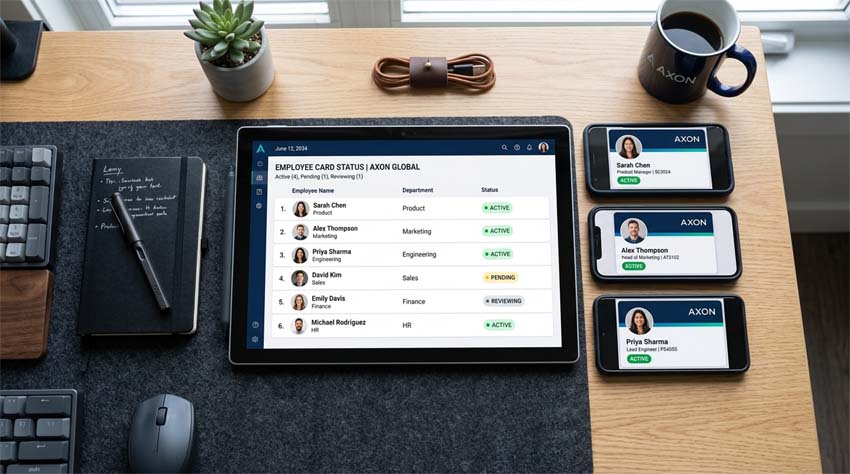
Managing business cards for a team of 10, 50, or 100 people used to be a nightmare. Printing costs, reordering delays, outdated information, and inconsistent branding.
AAClick Click Card solves all of that in under five minutes.
Step 1: Set Up Your Company Template
From your team dashboard, upload your company logo, choose brand colors, and select a card layout. This template applies to every team member.
Step 2: Add Team Members
Enter each employee's name, title, phone, email, and custom social links. You can do this one by one or upload a CSV file for bulk import.
Step 3: Generate Cards Instantly
Click “Generate” – every team member receives their own unique digital card link and QR code.
Step 4: Share with Your Team
Send each person their personalized link. They can start sharing immediately via email signatures, social media, or printed QR codes.
What Happens When Someone Leaves or Changes Roles?
Easy. Edit or deactivate that person's card from your dashboard. Their old link stops working. No reprinting, no wasted paper.
One Dashboard to Rule Them All
- See who has activated their card
- Update everyone's contact info in bulk
- Track team-wide analytics (total views, saves, clicks)
- Export leads collected from any team card
Time to Upgrade
Stop managing paper cards for your team. Switch to Click Card's business plan and set everything up in 5 minutes flat.